
Tips for Creating a Cozy and Functional Home Office Space
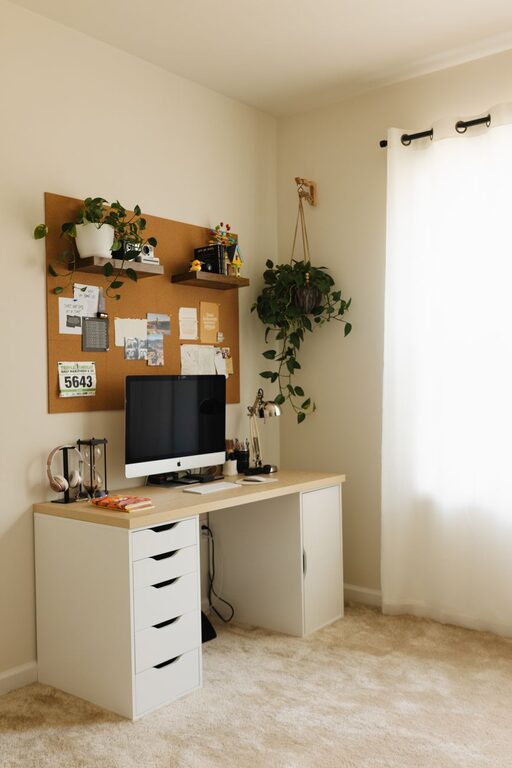
Creating a home office that is both cosy and functional can transform the way you work from home. Whether you have a dedicated room or a small corner, designing a space that helps maintain focus while offering comfort is essential. In this guide, we’ll explore key tips on how to set up a home office that balances productivity and relaxation perfectly.
Choose the Right Location
Selecting the right spot in your home for your office space is the first step. Ideally, this should be a quiet area away from high-traffic zones to minimise distractions. Natural light is a huge bonus, so try to position your desk near a window if possible.
Consider These Points:
– Avoid noisy areas like the kitchen or living room during busy times.
– Use a spare room or an underused nook if available.
– If limited on space, use screens or curtains to visually separate your workspace.
Invest in Comfortable Furniture
Spending time in your home office means your furniture must support good posture and comfort to prevent aches.
Key Furniture Elements:
– Ergonomic Chair: Choose one with adjustable height, lumbar support, and comfortable cushioning.
– Desk: A surface large enough for your computer, notes, and other daily items helps keep organised.
– Storage Solutions: Shelves, filing cabinets, or boxes to keep your supplies tidy and accessible.
Lighting Matters
Good lighting reduces eye strain and enhances focus. Combine different light sources for the best effect.
Lighting Tips:
– Position your desk to utilise daylight but avoid glare on your screen.
– Use adjustable desk lamps for task lighting.
– Consider soft overhead lights to create warmth without being harsh.
Personalise Your Space
Making your office feel welcoming encourages you to use it regularly. Add elements that reflect your personality but keep them minimal to avoid clutter.
Ideas for Personal Touches:
– Framed photos or artwork.
– Plants for a touch of nature and improved air quality.
– Favourite colours in accessories like cushions or stationery.
Organise Efficiently
A well-organised office reduces stress and downtime spent searching for items. Use storage with a clear system.
Organisation Tips:
– Use drawer organisers for small supplies.
– Label boxes and files for quick identification.
– Keep cables tidy with clips or covers.
Use Technology Wisely
Equip your home office with the right technology to improve your workflow. Ensure your internet connection is reliable and speed is sufficient for your needs.
Must-Have Tech Items:
– A good-quality monitor for clear display.
– A wireless keyboard and mouse for flexibility.
– Noise-cancelling headphones if your environment is noisy.
Create Zones for Different Tasks
If space allows, differentiate areas for various activities: computer work, reading, planning, or even relaxing briefly.
How to Zone:
– Use rugs or furniture placement to define areas.
– Keep supplies for each task nearby to avoid scrambling.
Maintain Air Quality and Temperature
Comfort also depends on a fresh and well-regulated environment.
Tips for Comfort:
– Open windows periodically to circulate fresh air.
– Use fans or heaters to maintain a comfortable temperature all year round.
Keep a Routine and Declutter Regularly
A tidy, routine-driven workspace fosters a productive mindset.
Daily Practices:
– Spend five minutes at the end of each day clearing your desk.
– Plan your workday in advance to stay organised.
—
By combining these tips, you can create a home office that feels like a pleasant retreat and a practical workstation all in one. Tailor the space to your needs, and you’ll find working from home much more enjoyable and effective.
Related Post
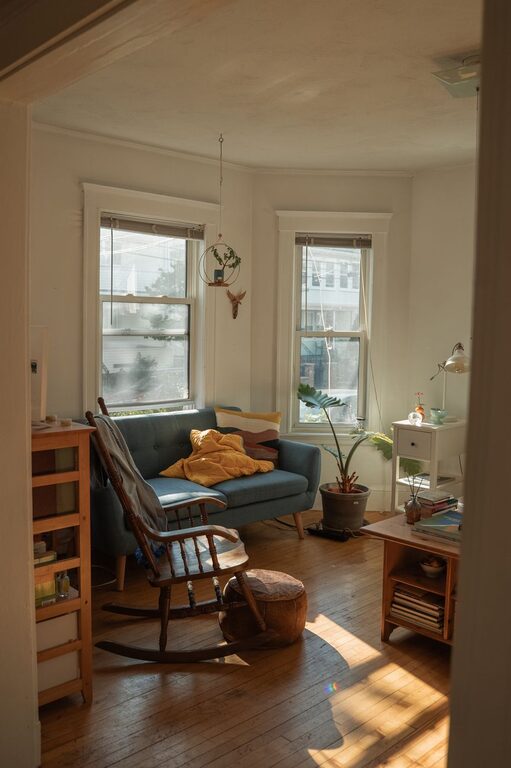
Tips for Creating a Cosy and Inviting Living Room Space at Home
Discover easy and effective ways to make your living room warm, welcoming, and perfect for [...]

Tips for Creating a Cosy and Inviting Living Room on a Budget
Transform your living room into a warm, welcoming space without breaking the bank with these [...]
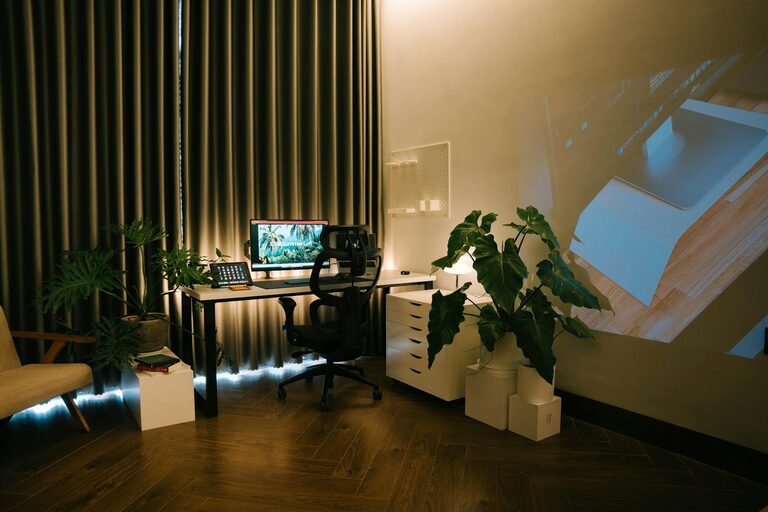
Tips for Creating a Cosy and Productive Home Office Environment
Discover simple ways to make your home office both cosy and productive, helping you stay [...]