
Tips for Creating an Organised and Productive Home Workspace

Creating a home workspace that is both organised and productive is essential for anyone working remotely, studying, or simply managing tasks from home. A well-set-up space not only improves focus but also helps maintain a healthy work-life balance. Here, we offer practical tips to help you design a home workspace that supports your daily activities and keeps distractions at bay.
Choose the Right Location
Selecting the ideal spot for your workspace is the first step towards productivity. Consider these factors when choosing your home office location:
– Natural Light: A space near a window with plenty of natural light can enhance mood and reduce eye strain.
– Noise Levels: Pick a quiet corner away from high-traffic areas to minimise distractions.
– Space Availability: Ensure the area has enough room for your desk, chair, and any additional equipment you might need.
– Privacy: If possible, select a private area where interruptions are less likely.
Invest in Ergonomic Furniture
Comfort is key when spending long hours at your desk. Ergonomic furniture supports good posture and reduces the risk of physical strain.
– Desk: Choose a desk at the correct height, allowing your elbows to be at a 90-degree angle while typing.
– Chair: An adjustable chair with lumbar support ensures your back is well-supported.
– Monitor Position: Your screen should be at eye level to avoid neck strain.
– Keyboard and Mouse: Use ergonomic designs to minimise wrist discomfort.
Keep Your Workspace Organised
A tidy desk can greatly influence your ability to focus and be productive.
– Declutter Regularly: Remove unnecessary items from your workspace weekly.
– Use Storage Solutions: Invest in drawers, shelves, or organisers to keep supplies and documents in order.
– Cable Management: Use clips or cable organisers to prevent wires from tangling and making your desk look messy.
– Digital Organisation: Organise your computer files into clearly labelled folders for easy access.
Utilise Effective Lighting
Good lighting reduces eye strain and keeps you alert.
– Layered Lighting: Combine natural light with general overhead lighting and task lighting.
– Desk Lamp: Use a desk lamp with adjustable brightness to illuminate your workspace precisely.
– Avoid Glare: Position screens to avoid glare from windows or lights.
Personalise Your Space
Adding personal touches can make your workspace inviting and motivating.
– Plants: Indoor plants can improve air quality and add a calming presence.
– Artwork or Photos: Personal images or artwork can boost morale.
– Colour Scheme: Choose colours that help with concentration, such as blues or greens.
Create a Routine and Boundaries
An organised workspace also involves establishing habits that promote productivity.
– Set Working Hours: Define when your workday starts and ends to maintain balance.
– Keep Breaks Scheduled: Regular breaks help maintain focus and reduce fatigue.
– Avoid Non-Work Items: Keep the workspace dedicated to work-related tasks to minimise distractions.
Use Technology Wisely
Technology can streamline your work but also be a source of distraction.
– Productivity Apps: Use apps to track tasks, schedule priorities, or block distracting websites.
– Wireless Devices: Reduce clutter with wireless keyboards, mice, and printers.
– Reliable Internet: Ensure your connection is stable for video calls and online work.
Maintain Cleanliness
A clean workspace promotes a clear mind.
– Daily Checks: Spend a few minutes at the end of the day tidying your desk.
– Sanitise Equipment: Clean your keyboard, mouse, and desk regularly to maintain hygiene.
Final Thoughts
Designing an organised and productive home workspace is a personal process that combines comfort, organisation, and routine. By choosing the right location, investing in ergonomic furniture, and maintaining cleanliness and order, you can create an environment that supports your best work. Remember, small adjustments can make a big difference in maintaining focus and boosting productivity throughout the day.
Related Post
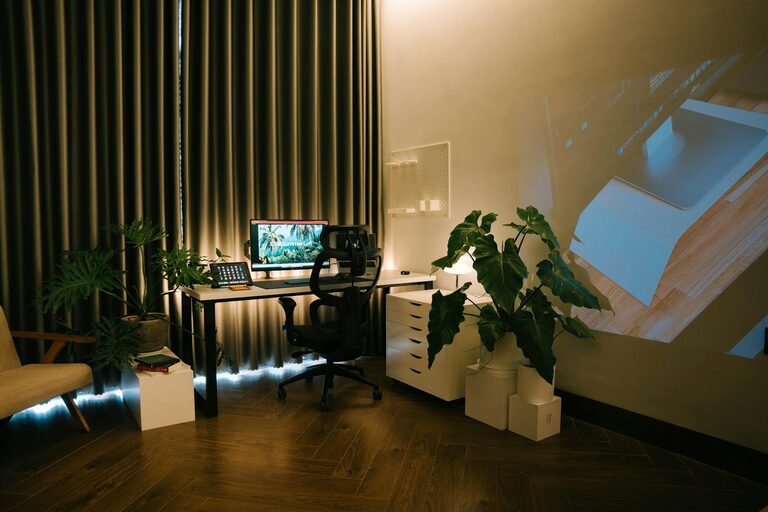
Tips for Creating a Cosy and Productive Home Office Environment
Discover simple ways to make your home office both cosy and productive, helping you stay [...]
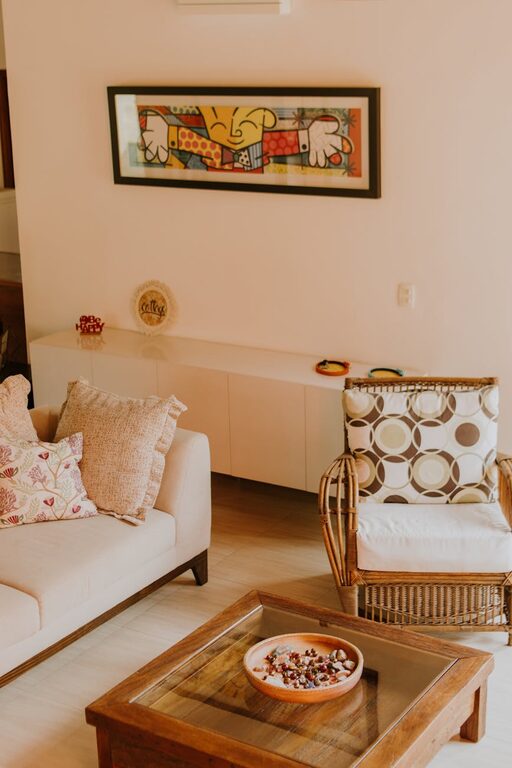
Tips for Creating a Cosy and Inviting Living Room on a Budget
Discover simple and affordable ways to transform your living room into a cosy, warm, and [...]

Tips for Creating a Cosy and Inviting Living Room on a Budget
Transform your living room into a warm, welcoming space without breaking the bank with these [...]